Smart Stadium Seating Checklist: 12 Features to Evaluate Before Upgrading
A seat that knows it is empty sounds like a small thing until you are standing in a concourse at halftime, guessing whether the queue at the north concession is worse than the one behind you. That is where smart seating earns its keep: showing stewards where congestion is forming, telling a fan which block has a shorter wait, letting an operator release held seats without sending anyone to walk the rows. The technology is genuinely useful. It is also uneven, the sales pitches are polished, and a careless deployment leaves you with thousands of seats that need batteries, firmware updates and someone to answer the phone when they misbehave. Work through the checklist below before you sign anything.
Start With the Problem, Not the Hardware
Before a single vendor demo, write down what you actually want to fix. Fewer no-shows? Faster ingress? Better staffing decisions on a quiet Tuesday fixture? Accurate post-match cleaning routes? Each goal points to a different feature set, and a system sold as “full smart seating” often does one of them well and the rest badly.
Be specific enough that you can measure it. “Improve crowd flow” is not a requirement. “Cut average concourse queue time in the east stand during the 15 minutes before kickoff” is. If a supplier cannot explain how their product moves that number, they are selling hardware, not an outcome.
The Twelve Features to Score
Use this as a scoring sheet in every conversation. Ask each vendor to answer point by point, in writing, and compare the answers side by side rather than letting a good demo do the deciding.
- Occupancy accuracy. Does the seat detect a person rather than a coat, a bag or a propped-up flag, and what error rate was measured in a venue like yours?
- Sensor type and power. Pressure mat, infrared beam or time-of-flight, and whether it runs on Power over Ethernet or a battery somebody has to service.
- Network resilience. Local caching, gateway failover, and how readings are backfilled after an outage.
- Crowd density and flow reporting. Block-level counts, queue estimates and ingress timing, displayed in a dashboard a duty manager can read at a glance.
- Ticketing and access integration. Reconciliation against scan data and resale records, plus a documented API rather than a promise of one.
- Power at the seat. USB-C outlets or wireless charging pads, with load calculations and electrical work included in the quote.
- Accessibility features. Companion seating, step-free routes, audio description, tactile numbering and high-contrast markings.
- Service and wayfinding cues. Call buttons, in-seat ordering, and aisle lighting that helps people find their row after the lights go down.
- Privacy controls. Aggregate counting by default, defined retention limits, clear signage, and a data processing agreement your legal team can accept.
- Durability and cleaning. Ingress protection rating, resistance to commercial cleaning agents, and modules that can be swapped without removing the seat.
- Serviceability. Remote diagnostics, standard battery sizes, spare parts promised for the life of the stand, and realistic repair times.
- Data ownership and exit. Who owns the readings, how you export them, and what happens to your historical data when the contract ends.
Sensing and Connectivity: Where Pilots Usually Stumble
Every sensing method has a failure mode, and the failure modes show up in real stadiums rather than in labs. Pressure sensors in the seat pan struggle with heavy coats draped over a backrest and with supporters who perch on the armrest. Infrared beams get blocked by debris and need cleaning. Camera-assisted counting works well for aisles and concourses but raises questions you should answer before installation, not after.
Ask about power early, because it decides your maintenance burden. Wired seats using Power over Ethernet are dependable but need cabling through concrete, which is expensive to retrofit and nearly impossible to change later. Battery-powered seats install quickly and then ask you a question nobody enjoys: how do you replace twenty thousand batteries on a schedule without disrupting fixtures? Get the expected service life in writing, along with the cost of a replacement programme.
Questions worth asking about the network
- What happens to readings when a gateway drops out mid-match?
- Does the seat store data locally and sync when the link returns?
- How are firmware updates pushed, and can they be scheduled outside event days?
- Can the system run on your existing Wi-Fi, or does it need its own access points?
- What does the vendor's support look like on a matchday, in your time zone?
Comfort, Power and Accessibility
Charging at the seat is the feature fans notice first, and it is also the one that quietly expands the project. Outlets mean power distribution, load calculations and work by a licensed electrician, and that cost belongs in the comparison table from the start. Ask how many ports per row, whether they are rated for fast charging, and how the sockets are protected from spilled drinks.
Accessibility deserves its own review rather than a footnote. Accessible and companion seats should carry the same smart features as everything else, not a stripped-down version bolted on at the end of the project. Check that audio description, tactile row and seat numbering, and step-free routes to the seat all work together. Sit in one. Then sit in one with a wheelchair user and a companion, and see whether the controls are reachable and the display is legible.
Data, Integration and Privacy
Seat-level data is only valuable when it meets your ticketing, access control and CRM systems. If the readings live only inside a vendor dashboard, you have bought a subscription to a report, not a capability. Insist on an export format, a documented API and a clear statement of who owns what.
On privacy, the safe default is to count people rather than identify them. Aggregate occupancy per block, with short retention windows and visible signage, keeps the system useful and the risk low. Data protection rules vary by country and by how the data is used, so bring your legal counsel into the conversation before the contract, not after the first complaint. The same applies to any health-related feature you might be tempted to add.
If a feature cannot be explained to a supporter in one sentence on a poster by the turnstile, it probably needs another round of review.
Durability, Serviceability and the Real Cost
Stadium seats live hard lives: sun, rain, spilled beer, industrial cleaning chemicals and forty thousand people leaning on them. Ask for the ingress protection rating, a list of approved cleaning agents, and confirmation that cleaning crews can work around the electronics without special training. A sensor module that has to be removed from below the stand for a battery change will cost you far more over ten years than its purchase price suggests.
Then ask the unglamorous question: what does a broken seat cost to fix, and how long does the repair take mid-season? Remote diagnostics, standard battery sizes, spare parts held in the region and a realistic response time matter more than an extra dashboard widget. Add up hardware, installation, cabling, batteries, licences, support and staff time over five years. The cheapest quote rarely stays the cheapest.
Run a Pilot Before You Commit
Pick one stand, or a few hundred seats, and run the system for a set number of fixtures that includes both a sell-out and a quiet match. Agree the success criteria before installation: occupancy readings checked against manual counts, reconciliation with scan data, and how quickly stewards responded to the alerts the system produced.
Bring the people who will live with the technology into the pilot early. Stewards, cleaning supervisors and the ticket office will spot problems a project team misses, and their buy-in decides whether the data gets used or ignored. Walk the stand yourself during a match, watch the dashboard on a tablet in the concourse, and see whether it tells you something you did not already know. If it does, scale up. If it only confirms what your eyes told you, you have saved yourself a large invoice.
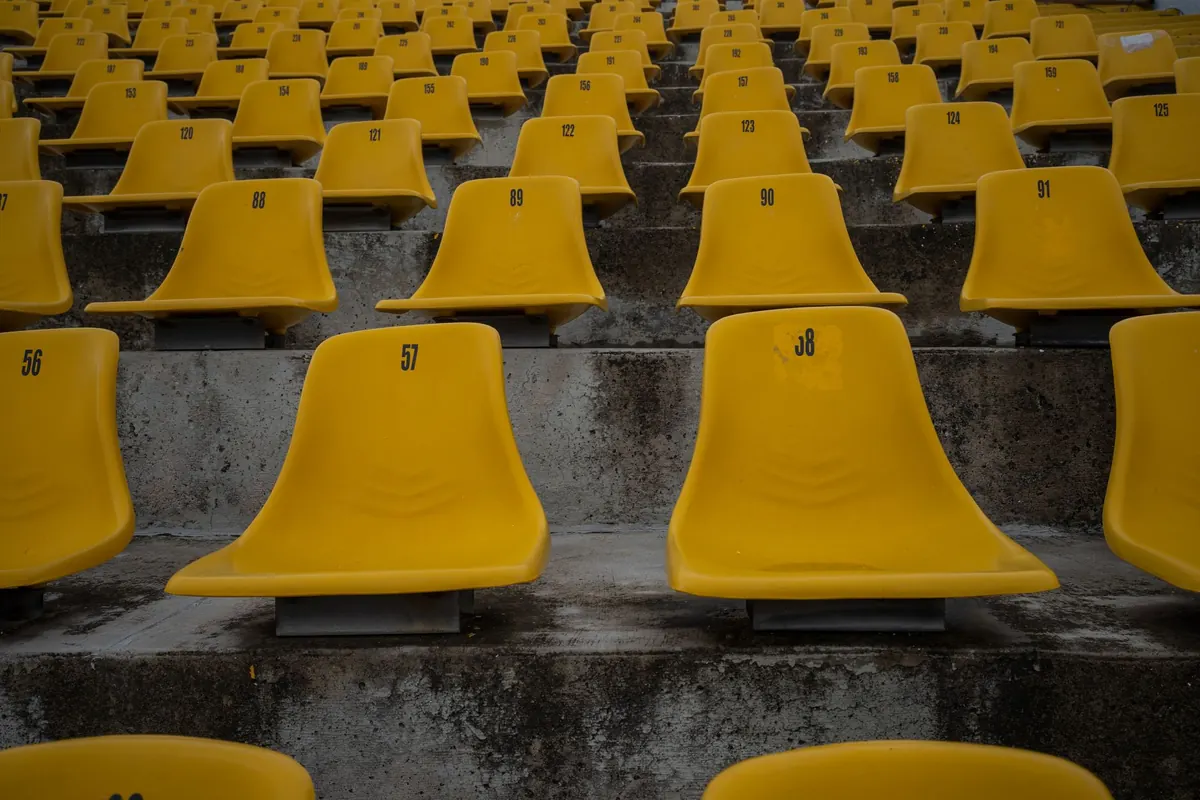
Photo: Amar Preciado / Pexels
You Might Also Like
Stadium seating safety is decided in the geometry — continuous handrails, honest aisle widths and evacuation routes that work long before the seats are chosen.
Sensors and connected ticketing turn stadium seats into sources of useful information about usage, queues and crowd movement — if the basics are right.